



01/12/2025

Share:
01/12/2025
Share:

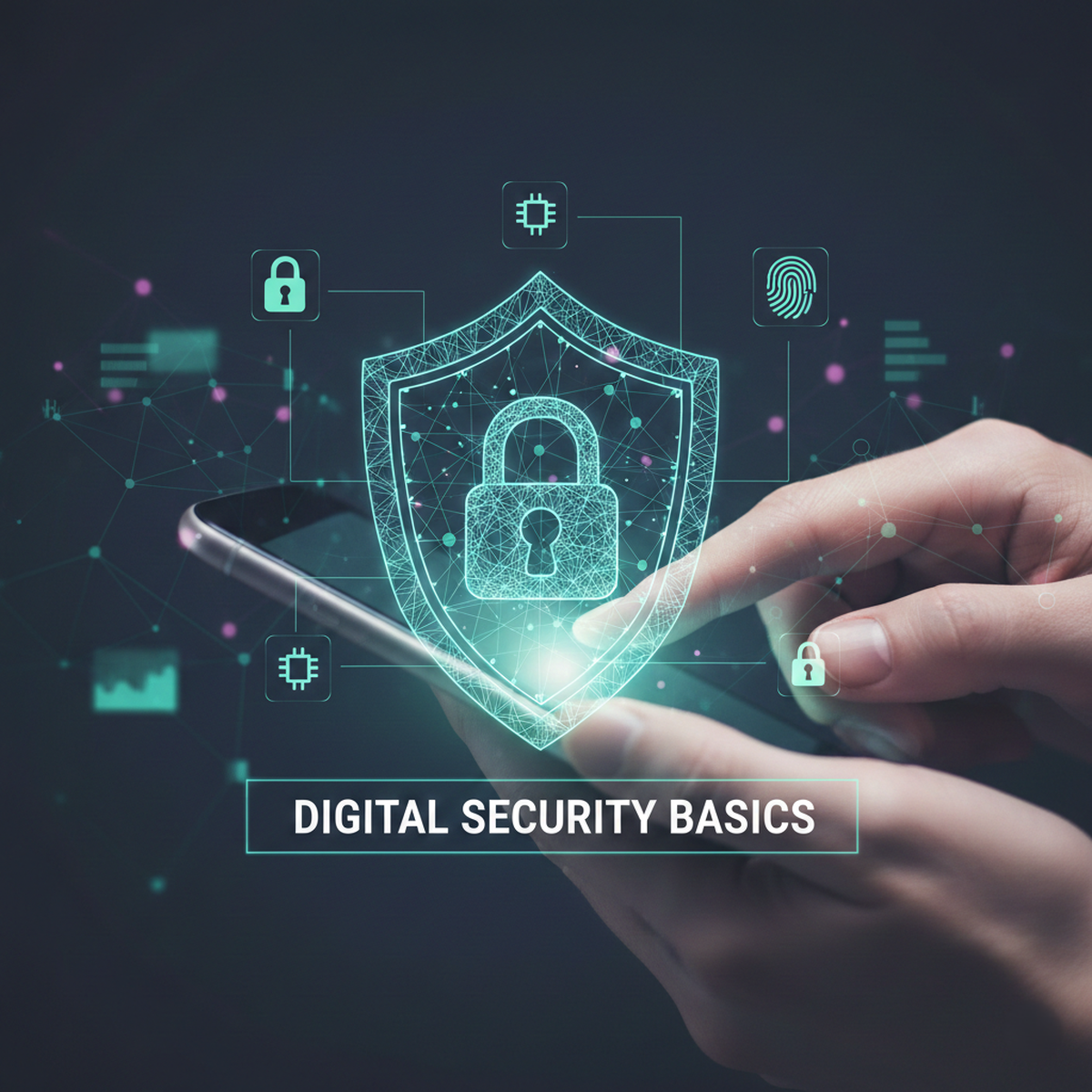
Our phones are the essential control centers of our entire digital lives. They hold everything, from bank accounts and work files to private photos and messages. This concentration of valuable data makes these devices primary targets for cyber threats. While we absolutely need the convenience of our smartphones, keeping them secure requires understanding a few simple, necessary habits.
A major security gap opens when you access the internet, especially when you’re out in public. Connecting to free public Wi-Fi at a café or airport means your data could be exposed to anyone else on that network. To encrypt this traffic and safeguard your privacy, you should use a VPN. This service establishes a secure tunnel for all your phone's data, routing it through a private server. This keeps anyone watching from seeing what you're doing online or what you're communicating. It's one simple step that gives you a critical defense against being watched when you use shaky, unsecure shared connections.
Lock Down Access PointsThe most fundamental defense is the physical security of the device itself. Never rely on a simple swipe or an easy-to-guess PIN. Set a strong, complex passcode, or use biometric security like fingerprint or face recognition, which is far more secure. If your phone is lost or stolen, this primary lock stops unauthorized people from accessing your data instantly.
Next, you must activate two-factor authentication (2FA) or multi-factor authentication (MFA) on every important account. This system requires a second verification step—like a temporary code sent to a different device—making it incredibly difficult for a hacker to log in, even if they somehow steal your main password. It’s the digital version of installing a heavy-duty deadbolt.
Navigating the Mobile Threat LandscapeTrue security means actively preventing malicious software from ever getting onto your phone. You have to be extremely cautious about what you download. Stick strictly to official app stores, like the Apple App Store or Google Play Store, where apps undergo vetting. When installing an app, take a second to review the permissions it asks for. If a simple calculator app, for instance, asks for access to your microphone or contacts, that’s a huge red flag. Deny any intrusive permissions or find a different app.
Phishing remains the easiest way criminals trick mobile users. You’ll usually see these attacks show up as texts or emails that try to scare you into clicking a bad link or giving away your login info. Your best defense? Always verify the sender, and resist clicking any suspicious link immediately. Once you get into these smart routines, you’ll naturally figure out how to keep your mobile phone safe from hackers—they depend heavily on exploiting trust and device vulnerabilities.
The Limits of Privacy ToolsWhile using powerful privacy features is necessary for self-defense, it’s also important to have realistic expectations about their scope. Many users still wonder can you be tracked while using a VPN despite its privacy benefits. A good VPN definitely encrypts your data and hides your IP address. Just remember, though, it can't solve every problem. For example, it won't block malware already running on your device, nor will it stop you if you willingly hand over information during a scam. It's a valuable shield, but it only works best when part of a thoughtful, complete security strategy.
Lastly, make updating your phone's operating system and apps a top priority. Why? Because these updates are constantly patching critical security flaws that hackers are trying to use. When you ignore an update, you’re basically ignoring a known security risk. And please, back up your data often! That simple step guarantees that even if your device is compromised, all your important information stays safe and can be fully recovered.